murie louis
✓ Verified purchase
Excellent quality heat-transfer flex, top-notch buying experience!
Always do a test cut before starting your project.
Very fine details (< 2 mm) may not cut correctly.
Wait 24 hours after applying your Chameleon Heat Transfer Vinyl before the first wash.
Wash inside-out at 30°C to best preserve your design. Our vinyl withstands 60+ washes at 30°C.
Maximum wash temperature: 40°C.
Avoid bleach and harsh products.
Iron on the reverse side only to protect the design.
Tumble drying is not recommended, to preserve your design's durability.
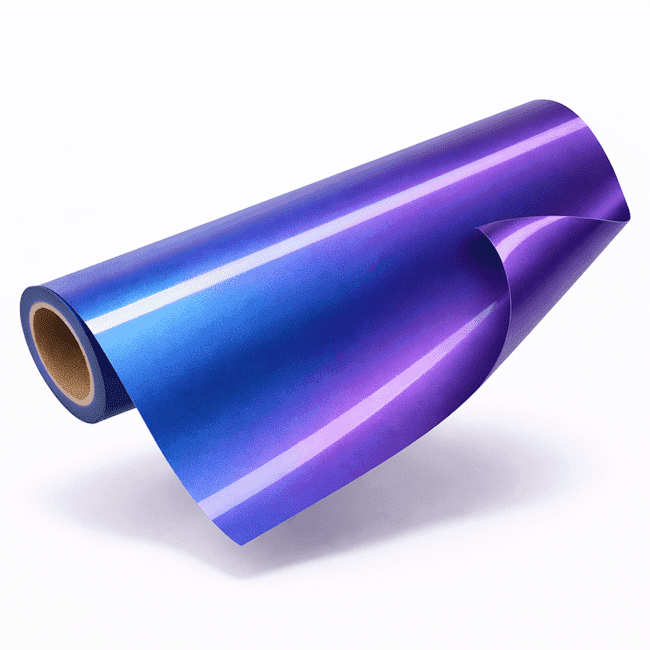
The Chameleon Heat Transfer Vinyl is the vinyl that changes colour with the viewing angle and the light. Its two-tone effect creates reflections that shift from blue to purple, adding a fascinating touch of originality to any fabric.
At just 80 microns thick, it is ultra-thin and blends perfectly into the fabric. Made from polyurethane (PU), it bonds durably into the fibres during heat application. The result: a design with shifting reflections that withstands 60+ machine washes without losing its chameleon effect or peeling.
Cotton, polyester, acrylic, poly-cotton, nylon, burlap, denim…
Our heat-transfer vinyls work with every cutting machine, as long as you use the right settings.
Examples: Cricut, Silhouette, ScanNCut, Brother, Loklik, Vevor…
IMPORTANT: colour shades may vary slightly from one production run to the next.
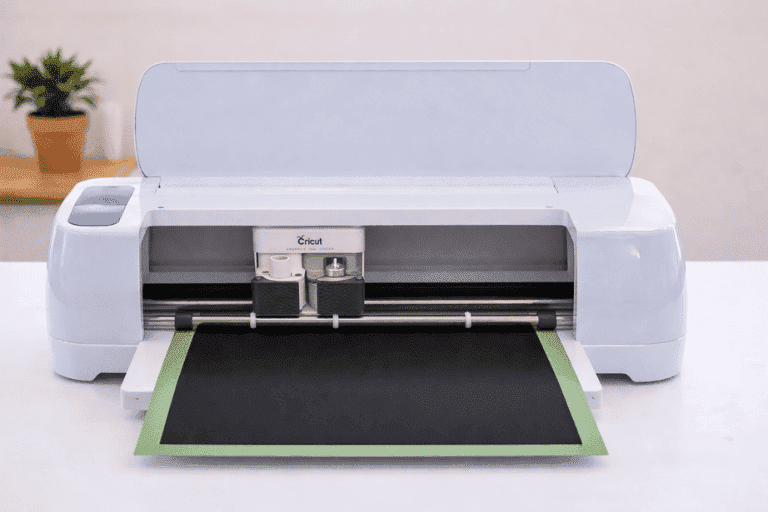
Pick your design, load the heat transfer vinyl in your cutting machine, then cut in mirror mode.
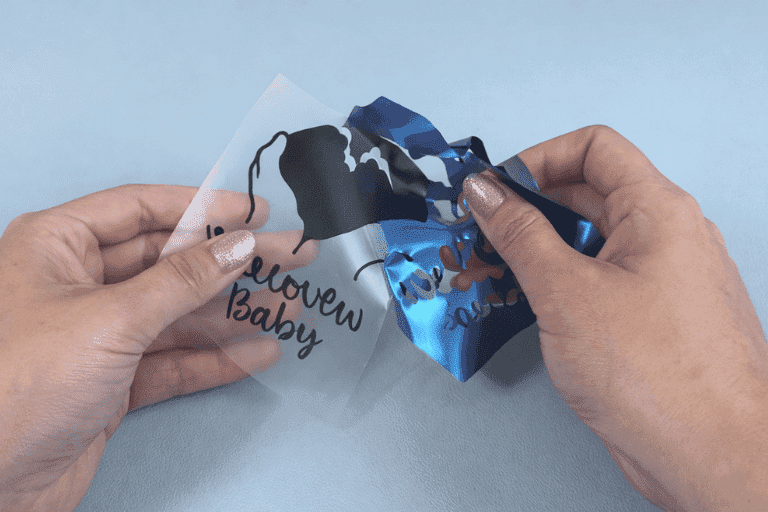
Peel away the excess vinyl around your design. It's the satisfying moment when the artwork comes to life.
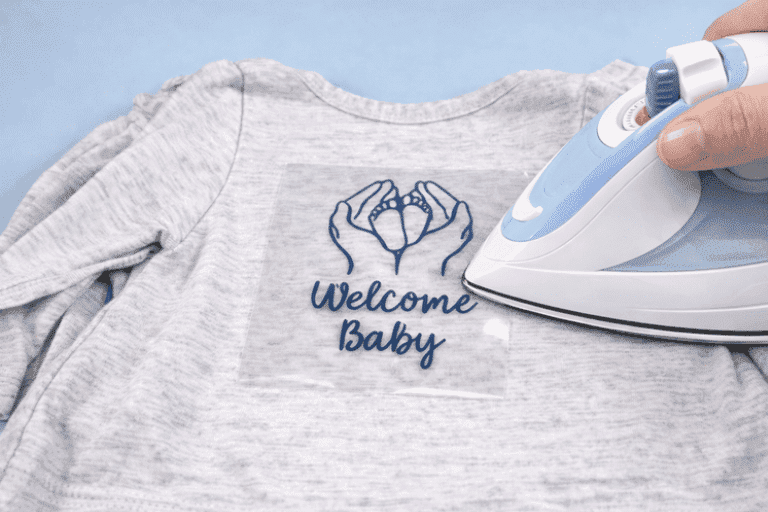
Place the design on your garment and press at 150 °C for 15 seconds with a heat press or an iron.
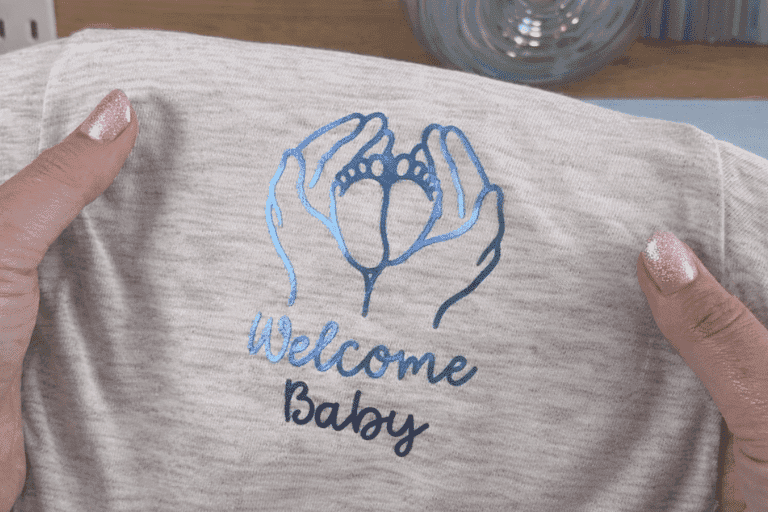
Peel the transparent film, then press again for 15 seconds to fully set the design. You're done.
Based on 2 verified reviews
Excellent quality heat-transfer flex, top-notch buying experience!
Very good quality
Explore our other heat transfer vinyls to vary your creations.